
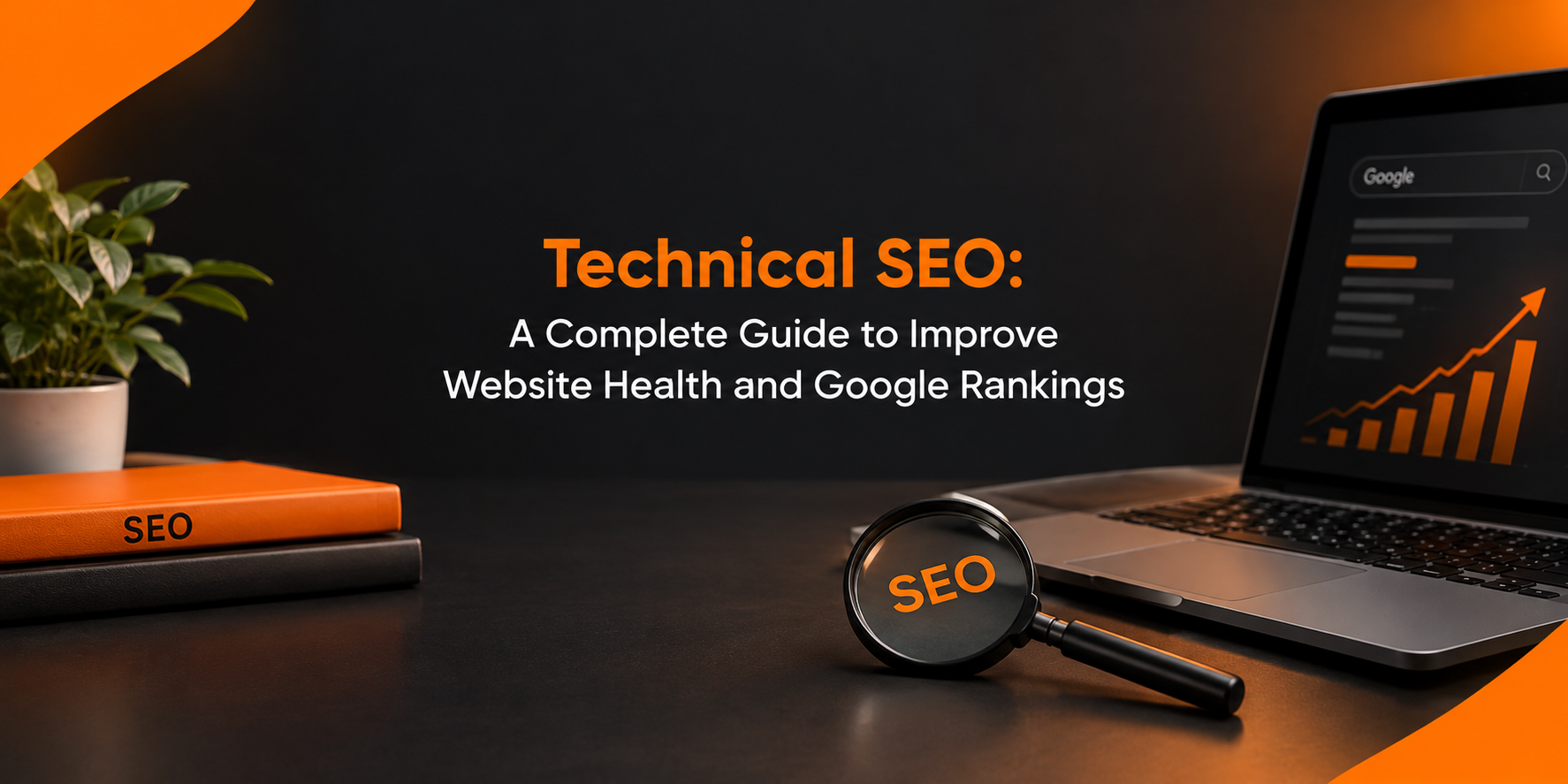
Picture a library with gorgeous books, but no catalogue, jammed doors, and flickering lights. Readers walk out, and the staff cannot list a single title. A site with weak foundations behaves the same way. Technical SEO is the repair job that lets search bots walk in, look around, and record what they find.
Newcomers often ask what is seo in digital marketing. In short, it is the craft of earning visibility when people search. Technical SEO sits at the bottom of that craft. This guide explains its parts, its value, and the fixes worth your time.
What Is Technical SEO?
Technical SEO is the practice of tuning the machinery behind your pages. That includes code, server responses, site structure, and how bots move around. Words and keywords are not the focus here. Access and clarity are.
Quick answer: Technical SEO is the set of backend improvements that let search engines reach, interpret, and store your pages correctly.
Its main areas are:
- Crawl paths and indexing rules
- Loading speed and visual stability
- Mobile usability
- Secure connections
- Clean URL design
- Schema markup
- Redirect and error handling
Technical SEO vs On Page SEO: Where the Line Falls
People blur these two, so let us separate them cleanly.
Technical work covers the whole site:
- Server speed and uptime
- Rules that guide bots
- Security and device support
- Machine-readable markup
On-page work covers one URL at a time:
- Page titles and snippets
- Subheadings and copy
- Image descriptions
- Links between related pages
Neither wins alone. Brilliant copy stays invisible if bots cannot store it. A flawless server cannot rescue a page that says nothing useful. When weighing technical seo vs on page seo, use this memory aid: one opens the door, the other gives visitors a reason to enter.
Fix the foundation first. Polish the page details second.
Why Site Health Drives Rankings
Bots visit with limited time. When they meet dead links, sluggish responses, or locked folders, they move on. Fewer stored pages mean fewer chances to appear in results.
A healthy site brings:
- Wider crawl coverage
- Quicker page loads
- Fewer quick exits
- More visitor confidence
- Better conversion odds
Better still, you can generate leads from existing traffic instead of paying for more visitors.
Help Bots Crawl and Index Your Pages
Crawling means bots discover your URLs. Indexing means they save them for results. A page needs both.
Try this routine:
- Upload a sitemap through Search Console.
- Review your robots.txt so no valuable folder is hidden.
- Repair dead links.
- Shorten redirect trails.
- Point duplicates to one preferred version with canonical tags.
- Write URLs people can read aloud.
Open the indexing report monthly. It lists excluded pages with reasons. Also keep key pages within three clicks of the homepage.
Page Speed and Core Web Vitals
Slow pages can frustrate visitors and affect website performance. Google evaluates user experience through three Core Web Vitals signals:
- LCP: How soon the largest visible element appears.
- INP: How quickly the page responds to user interactions.
- CLS: How much page elements unexpectedly shift during loading.
Ways to improve them:
- Shrink images and switch to WebP.
- Store repeat assets in the browser cache.
- Remove unused CSS and JavaScript.
- Serve files from a CDN.
- Use dependable hosting.
Speed also matters for paid campaigns. A reliable performance marketing agency should assess landing page performance because slow pages can waste advertising opportunities.
Mobile Usability and Security
Google primarily uses the mobile version of a website for indexing. If that version is difficult to use, visitors may leave before taking action.
For mobile usability:
- Choose a responsive layout.
- Use readable fonts.
- Make buttons easy to tap.
- Avoid intrusive pop-ups.
For website security:
- Install a valid SSL certificate.
- Redirect HTTP traffic to HTTPS.
- Resolve mixed-content warnings.
- Keep themes and plugins updated.
Schema Markup for SEO, GEO, and AEO
Schema markup is structured data that helps search engines understand what a page contains. Depending on eligibility and implementation, it can help search engines display supported rich results.
It also supports clear information presentation for modern search experiences. AEO, or answer engine optimisation, focuses on making information useful for direct answers. GEO, or generative engine optimisation, focuses on improving the likelihood that content is understood or referenced by generative AI systems.
To improve structured data and content clarity:
- Add relevant Article, Organization, Product, or other supported schema.
- Provide concise answers beneath question-based headings.
- Use reliable sources for factual claims.
- Review crawler access settings according to your visibility goals.
- Keep important information accurate and updated.
Structured data must match the visible page content. It does not guarantee rankings, rich results, or AI citations.
Ecommerce SEO: Technical Fixes for Online Stores
Online stores often manage many product URLs, filters, categories, and out-of-stock items. Ecommerce SEO therefore requires careful technical management.
Important priorities include:
- Use appropriate canonical tags for duplicate or filtered URLs.
- Implement valid product structured data.
- Maintain clear and consistent product URLs.
- Manage pagination and crawlable links correctly.
- Redirect permanently removed product URLs when an appropriate replacement exists.
- Compress product images without reducing useful visual quality.
Review category and product pages regularly to identify technical issues that may affect crawling, loading speed, or shopping experience.
Technical Mistakes That Quietly Hurt
Even experienced teams can overlook technical problems such as:
- A noindex directive left behind after a redesign.
- Staging pages accessible to search engines.
- Orphan pages without internal links.
- Excessive or poorly configured plugins.
- An outdated XML sitemap.
- Large images without proper optimisation.
- Broken internal links and redirect chains.
Review these issues regularly. Their impact depends on the affected URLs, severity, and how search engines process the changes.
SEO Checklist for Fast Audits
Use this SEO checklist during routine website reviews:
- HTTPS is working correctly.
- The XML sitemap is accessible and submitted.
- Robots.txt rules are reviewed.
- Important pages can be crawled.
- Indexing issues are investigated.
- Core Web Vitals are monitored.
- The mobile layout works correctly.
- Canonical tags are appropriate.
- Structured data is valid and relevant.
- Broken links are repaired.
- Duplicate pages are managed correctly.
Google Search Console, PageSpeed Insights, and website crawling tools can help identify and prioritise these issues.
How to Run a Technical SEO Audit
Follow a consistent process to find and resolve technical problems:
- Crawl the website using an SEO auditing tool.
- Review indexing reports in Google Search Console.
- Test important pages for speed and mobile usability.
- Prioritise problems by severity and business impact.
- Resolve indexing blockers before moving to lower-priority issues.
- Run another crawl to confirm that the fixes work.
Keep a record of every major change. Sunhariot iTech can help businesses identify technical issues and prepare a prioritised improvement plan.
How Technical Health Supports Other Channels
A technically healthy website supports different digital marketing activities:
- A strong content marketing strategy needs useful, accessible pages to attract organic traffic.
- Social media marketing works better when shared URLs load correctly.
- Paid campaigns benefit from fast, relevant landing pages.
- Clear site structure helps visitors navigate services and products.
AI in digital marketing is also changing how teams analyse websites and organise keyword research. AI tools can help identify patterns, but people should verify findings and decide which improvements matter most.
Five SEO Tips for This Week
Start with these practical SEO tips:
- Open Google Search Console and review important errors.
- Check your heaviest pages for image and loading issues.
- Fix broken URLs and implement relevant redirects.
- Update outdated content with accurate information.
- Link related pages using descriptive anchor text.
Consistent improvements and regular monitoring are more useful than making changes without checking their impact.
Finding the Right Partner in Surat
Technical SEO requires a clear understanding of website performance, crawling, indexing, and business goals. When choosing the digital marketing agency in Surat, ask for:
- Sample technical audit reports.
- Regular progress updates.
- Relevant case studies.
- Clear explanations of technical issues.
- A prioritised action plan.
A dependable SEO company in Surat should explain its recommendations clearly and help you understand which fixes deserve attention first.
Conclusion
Technical SEO provides the foundation for a healthy website. It helps search engines discover and process pages while improving the experience for visitors. Review crawling and indexing, improve page speed, secure the website, and use relevant structured data. Then support these foundations with useful, original content.
For technical SEO support, Sunhariot iTech helps businesses review website health, identify technical problems, and improve readiness for Google and AI-powered search experiences.
Frequently Asked Questions
1. What does technical SEO mean?
Technical SEO means improving the backend and structure of a website so search engines can crawl, interpret, and index its important pages. It includes site speed, mobile usability, security, URL structure, and indexing settings.
2. How do technical SEO and on-page SEO differ?
Technical SEO focuses on website-wide issues such as crawling, speed, and security. On-page SEO focuses on individual page elements such as titles, headings, content, images, and internal links. Both contribute to a well-optimised website.
3. How often should I audit my website?
Many websites benefit from a technical audit every three to six months, with regular Search Console monitoring in between. Run additional checks after a redesign, migration, or major website update.
4. Does technical SEO matter for GEO and AI search?
Yes. Accessible pages, clear content, and accurate structured data can help search systems interpret website information. However, technical SEO cannot guarantee that an AI system will cite or mention a website.
5. Can technical SEO help generate leads?
Technical SEO can support lead generation by helping important pages load correctly, work on mobile devices, and remain accessible to visitors. Actual lead results also depend on content, offers, user experience, and conversion paths.
6. How soon will I see results?
The time required varies by website and issue. Search engines may need time to recrawl and process changes, and ranking improvements are not guaranteed. Monitor indexing, traffic, and conversions to evaluate progress.
7. Does Sunhariot iTech offer technical SEO services?
Sunhariot iTech provides digital marketing and SEO support to help businesses review website health, identify technical issues, and plan improvements for search visibility.